
24-Hour Mining & KYC
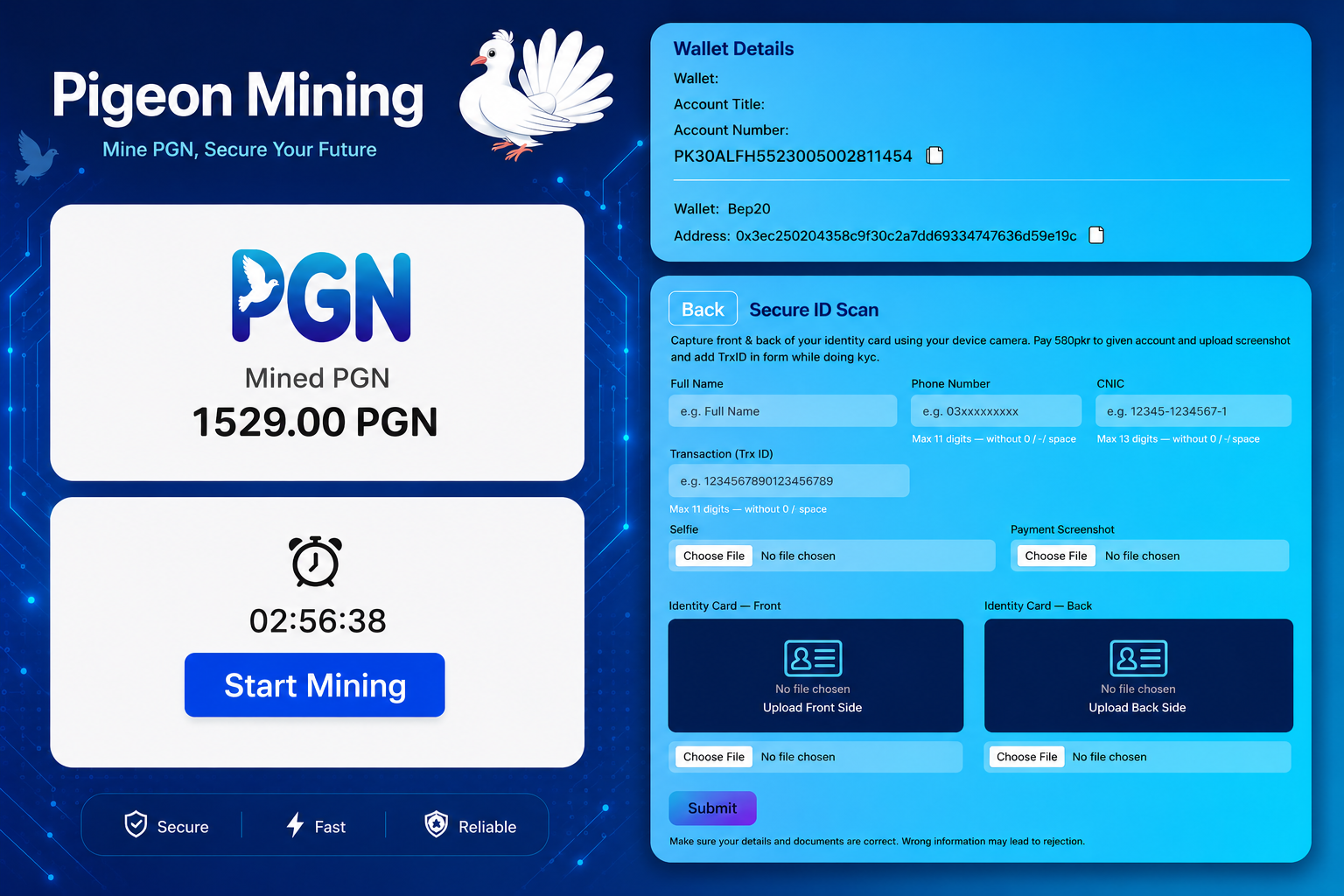
Pigeon Mining’s 24-Hour Mining feature is designed for users who want to keep their mining activity active on a regular basis. Users are expected to maintain their mining activity and check their account regularly.
To keep the system active and prevent long-term inactive accounts, Pigeon Mining follows a 3-day inactivity rule.
If a user does not perform mining activity for 3 consecutive days, the account may be automatically washed from the system. Once an account has been automatically washed due to inactivity, recovery may not be possible.
For this reason, users should make sure they regularly log in and complete their mining activity.
How the 3-Day Rule Works
The rule is simple:
- Keep your account active by completing your mining activity regularly.
- Do not leave your account inactive for 3 consecutive days.
- Check your Mining Dashboard regularly.
- Make sure your mining cycle is completed as required.
- Long-term inactivity can result in automatic account washed.
KYC Verification
KYC stands for Know Your Customer. It is an identity verification process used to confirm that an account belongs to a genuine user.
Pigeon Mining uses KYC verification to help maintain genuine user accounts and improve the overall security of the platform.
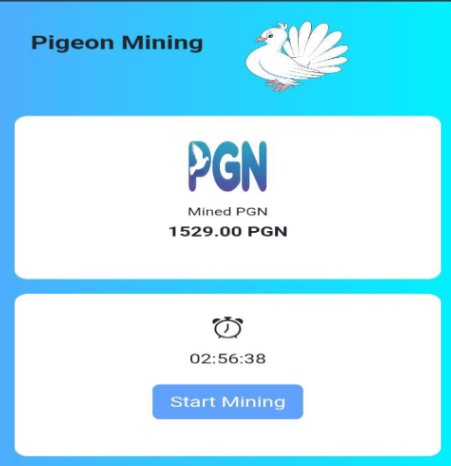
During the verification process, users are required to provide their personal information and identity documents. All information submitted for KYC should be accurate and belong to the account owner.
KYC Verification Fee
The KYC verification fee on Pigeon Mining is 580 PKR.
After completing the KYC payment, keep your transaction information safe. You will need to provide the TRX Transaction ID and payment screenshot when submitting your KYC application. KYC verification is usually completed within 24 hours, but in some cases, it may be approved earlier than 24 hours depending on the verification process.
Information Required for KYC
To complete your KYC verification, you will need to provide the following:
Full Name
Enter your complete name exactly as it appears on your identity document.
Phone Number
Provide an active phone number associated with your account.
CNIC
Enter your valid CNIC information as requested in the KYC form.
Payment TRX ID
After paying the 580 PKR KYC fee, enter the correct TRX Transaction ID associated with your payment.
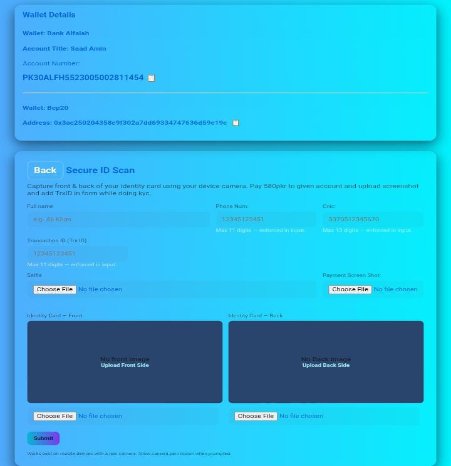
Selfie
Upload a recent and clear selfie. Your face should be clearly visible and easy to verify.
Payment Screenshot
Upload a clear screenshot showing your KYC payment. The relevant transaction details should be visible.
ID Card Photo
Upload a clear photo of your CNIC/ID card. The document should be readable, complete, and free from unnecessary cropping.
Before Submitting Your KYC
- Before submitting your application, make sure:
- Your name matches your identity document.
- Your phone number is correct and active.
- Your CNIC information is accurate.
- The TRX Transaction ID is correct.
- Your payment screenshot is clear.
- Your selfie clearly shows your face.
- Your ID card photo is readable.
- You are submitting your own documents.
- No important information is hidden or cropped.
Important Note
Please make sure you enter correct and genuine information when submitting your KYC. If you provide incorrect, incomplete, or mismatched details, your KYC may not be approved, and you may need to contact the Pigeon Mining Team for further assistance. To avoid delays, always double-check your details and documents before submitting your KYC.
What is 24-Hour Mining?
It is Pigeon Mining’s regular mining system that allows users to maintain their mining activity.
Do I need to mine every day?
Yes. Regular activity is required to keep your account active.
What happens if I don’t mine for 3 days?
Your account may be automatically washed due to inactivity.
Can I recover my account after removal?
Recovery is not possible, so users should avoid 3 consecutive days of inactivity.
How much is the pigeon KYC fee?
The KYC fee is 580 PKR.
Can I use someone else’s CNIC?
No. Always submit your own valid identity information and documents.
[…] VIP Class is built for users who want more freedom when managing their PGN. If someone regularly holds or […]